Edit video and develop photos.
A timeline editor and a raw photo developer, with AI that runs on your own Mac.
Cut by deleting words.
Edit on a timeline or delete words from the transcript, with cuts on the beat, subtitles, titles and music. Send the result to DaVinci Resolve or export a file.
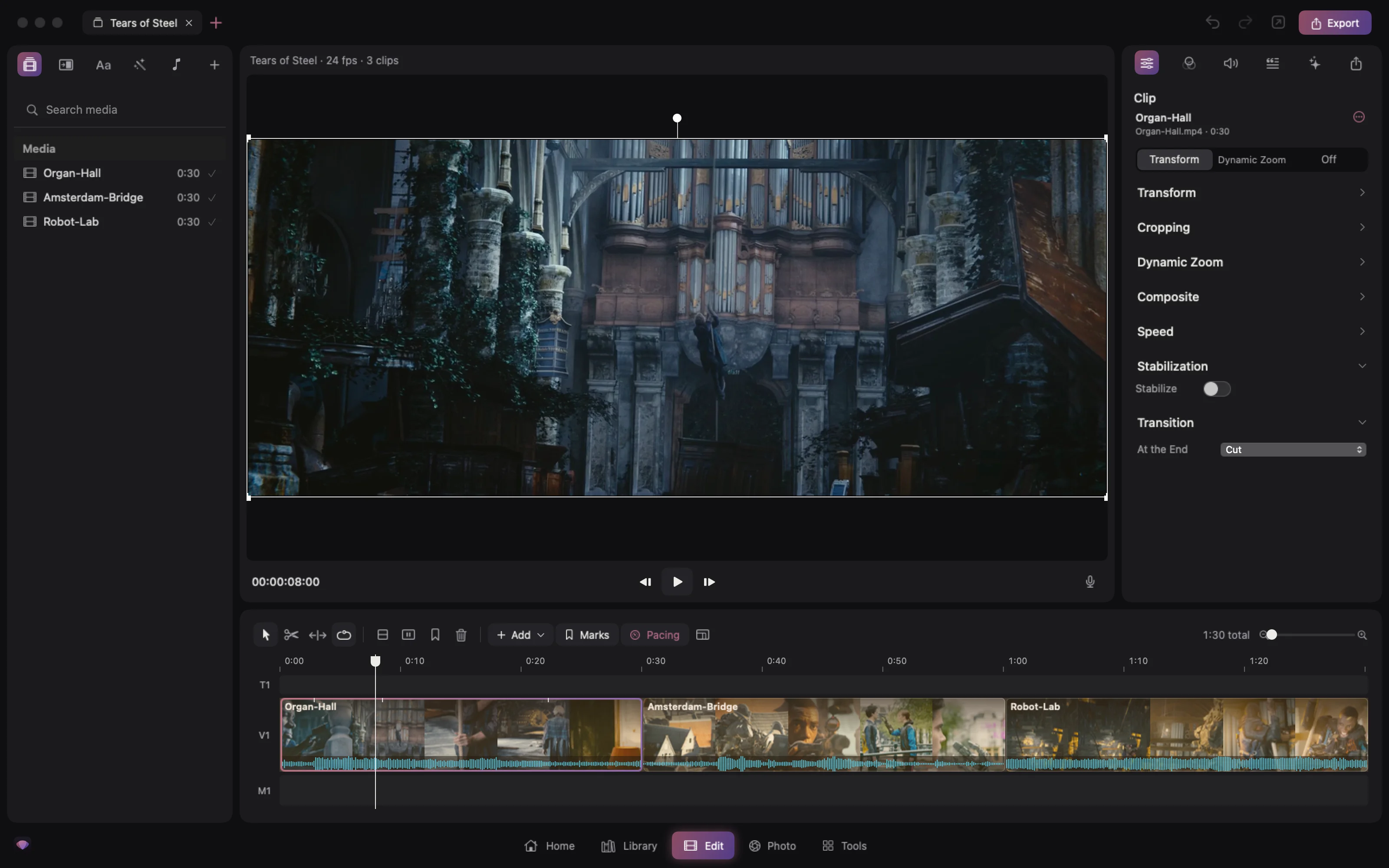
- Edits
- Timeline and transcript
- Adds
- Subtitles, titles, music
- Sends to
- DaVinci Resolve or a file
- Drop several videos and local AI lays out a story at the length you choose
- Cuts land on the beat of the music
- Export with presets, in H.264, HEVC or ProRes
Everything you reach for in a cut.
Trim and edit from the keyboard, record a voice-over and fit a song to the length of your edit.
- Trim tool
- Keyboard edits
- Transitions
- Voice-over
- Music ducking
- Fit music to length
- Stabilise
- Reframe for vertical
- Dynamic zoom
- Speed
- Colour and LUTs
- Scopes
- Trims
- Roll, slip, nudge by a frame
- Mixes
- Music that ducks under speech
- Grades
- Colour and LUTs, per clip or stretch
- Projects in folders, with search and a Trash
- Clips steadied before you export
- Scopes on a second screen
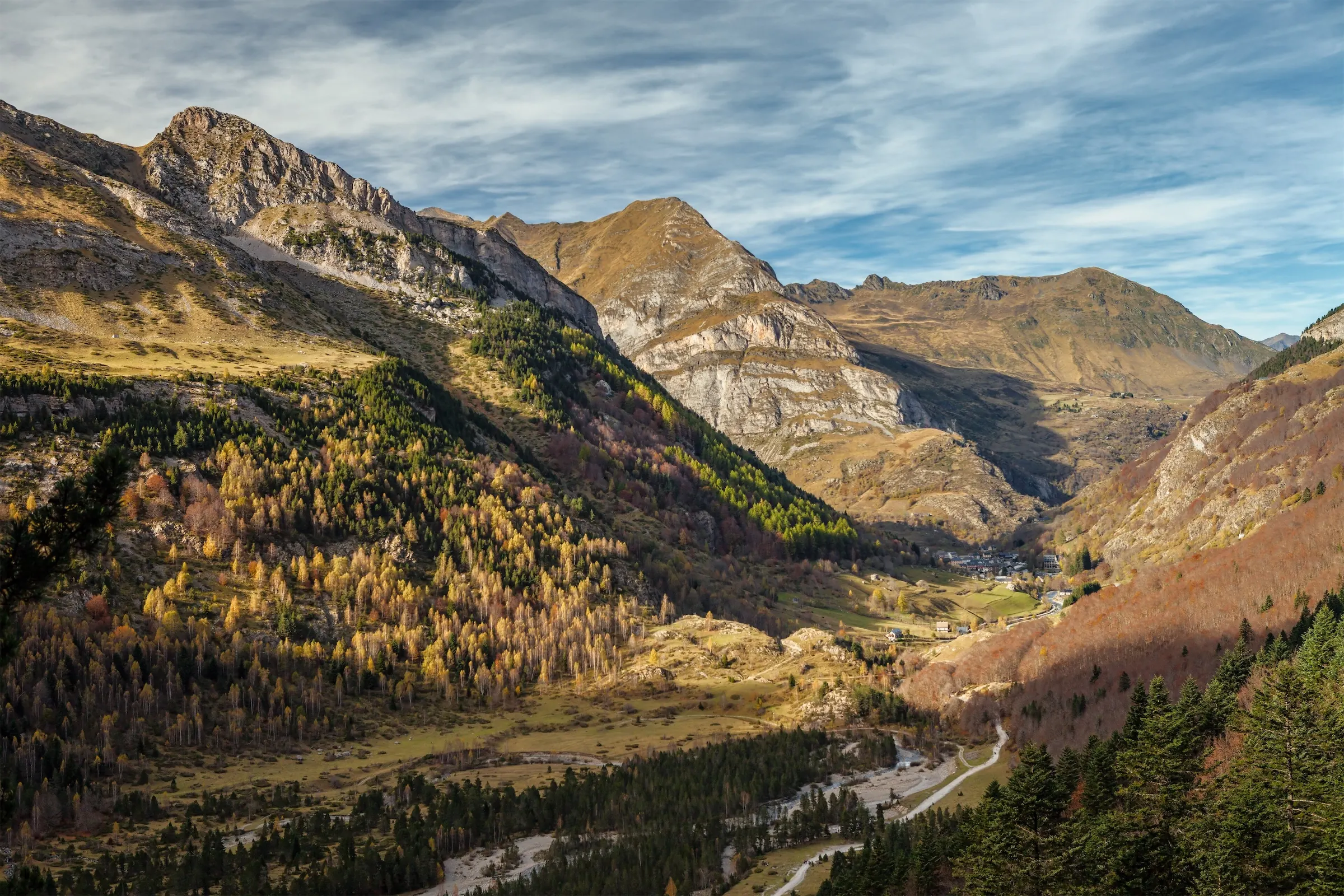
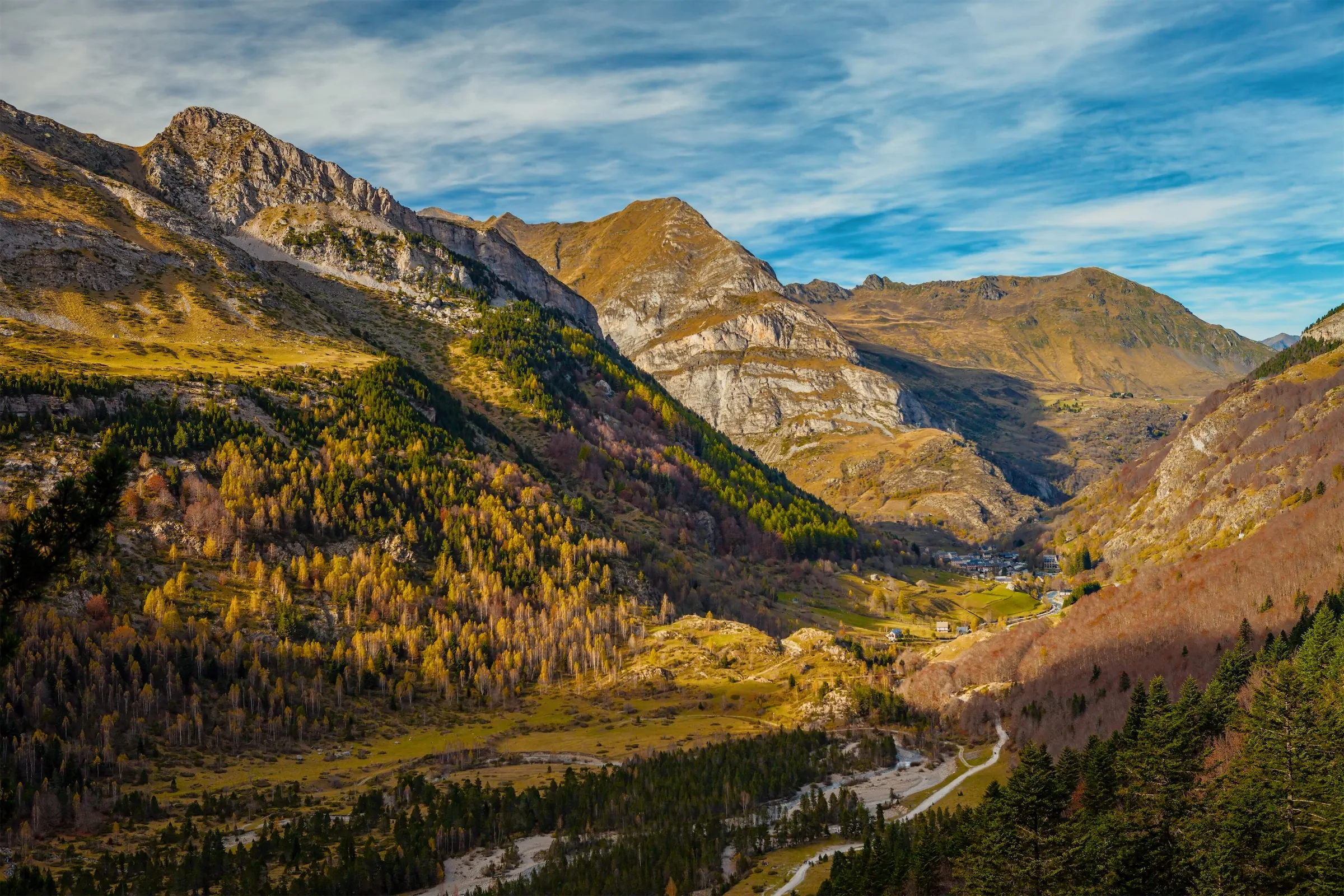
Cull and develop raw photos.
Develop with masks for the subject, people, sky and depth, add film looks, and write XMP sidecars for Lightroom and Capture One.

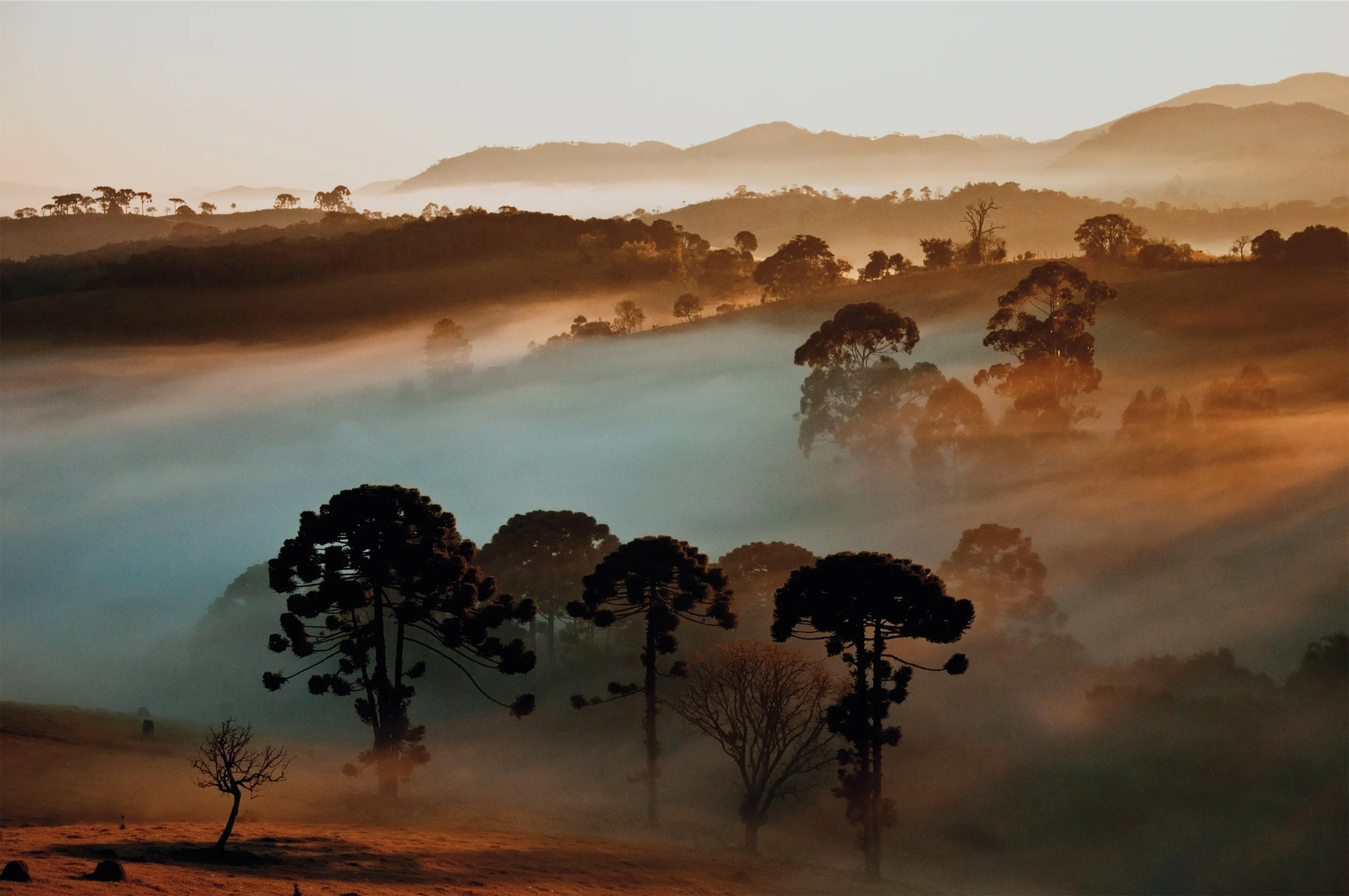
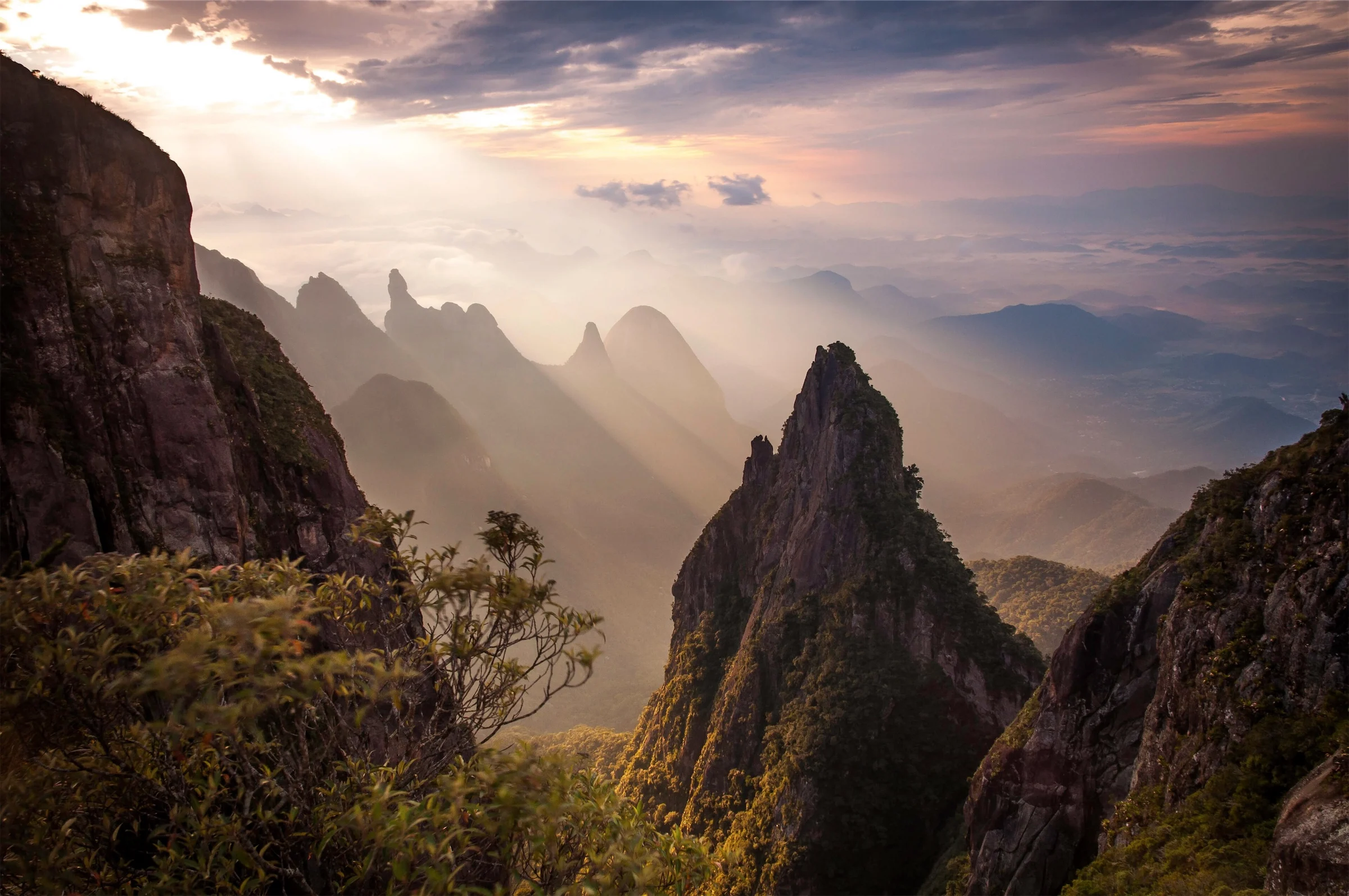
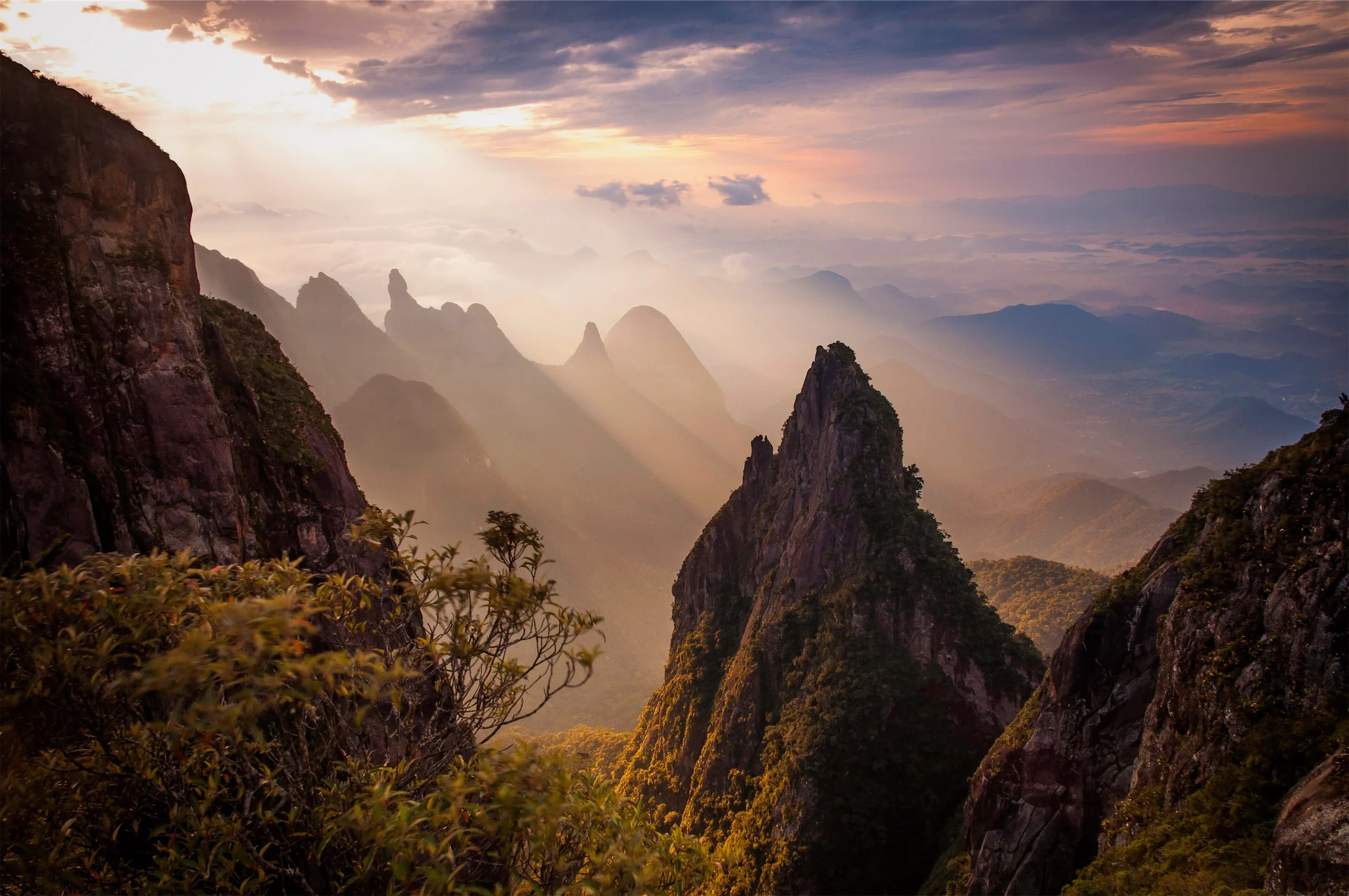
- Develops
- Camera raw and JPEG
- Masks
- Subject, people, sky, depth
- Shares with
- Lightroom, Capture One
- Bursts become moments, with the strongest frames on top
- Auto Cull, focus peaking and checks for closed eyes
- People, Map and smart albums
- Lightroom presets and edits come along
- History keeps every step, and your originals never change
Retouch, merge and proof on the same page.
Paint over something to remove it, fix eyes, straighten lines and merge brackets. The AI parts run on your Mac.
- AI Remove
- Heal and clone
- Liquify
- Red eye
- Smooth skin
- AI denoise
- Super Resolution
- Lens profiles
- Fill edges
- Lens blur
- Soft proofing
- Tethering
- Retouches
- Remove, heal, Liquify, skin
- Merges
- HDR, panorama, focus stack
- Proofs
- For paper and printers
- Shoot tethered and photos arrive as you take them
- Turn scanned film negatives positive
- Export every size at once, with a watermark
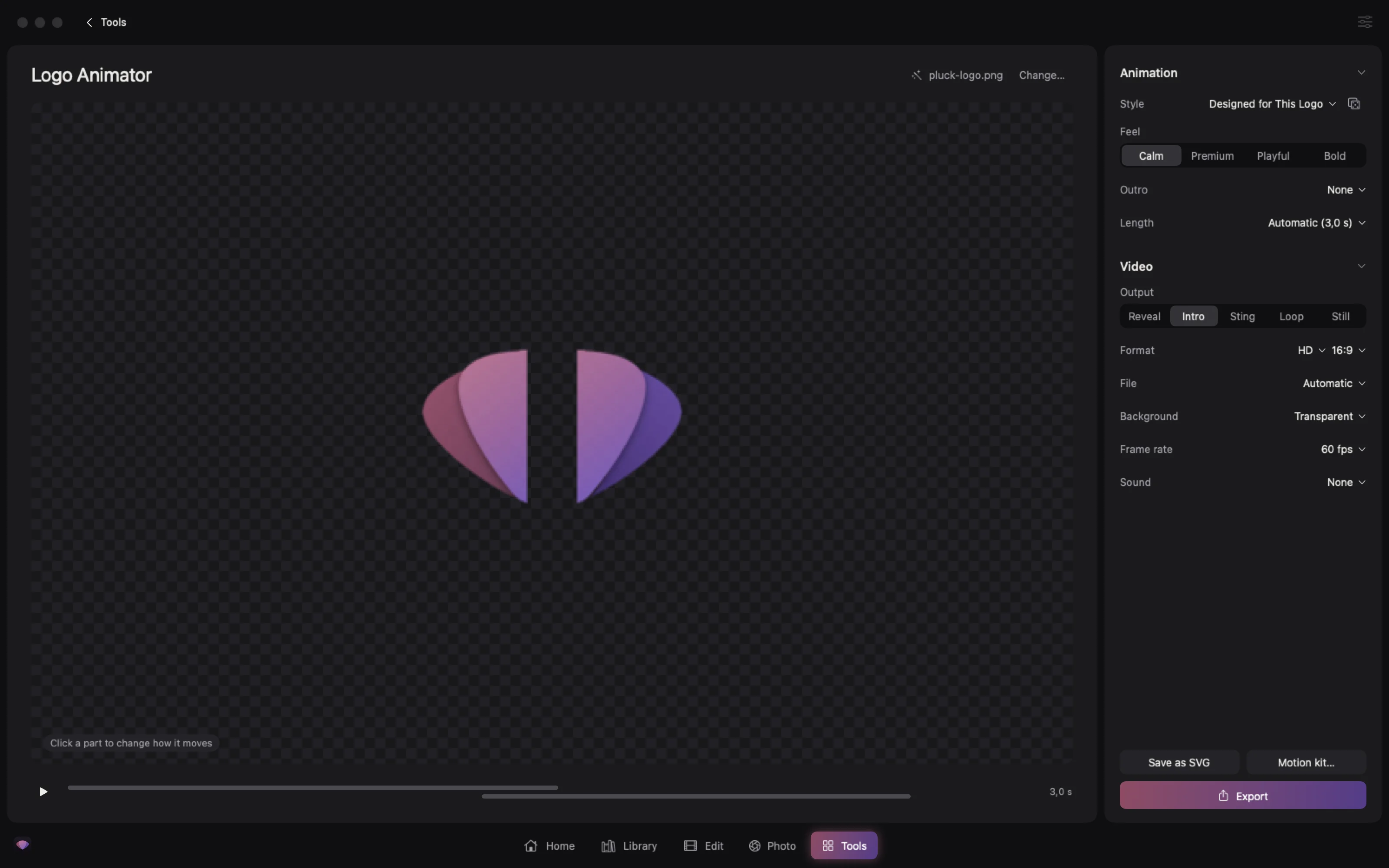
Animate your logo from its own shapes.
Pluck takes your logo apart into its symbol, name and tagline and designs an animation for it. Pick a feel, or change when and how any part comes in.
- Starts from
- Your logo file
- Exports
- Reveal, intro, sting, loop
- Up to
- 4K, with transparency
- Calm, premium, playful or bold
- In 16:9, 9:16, square or 4:5
- Save the logo as an SVG
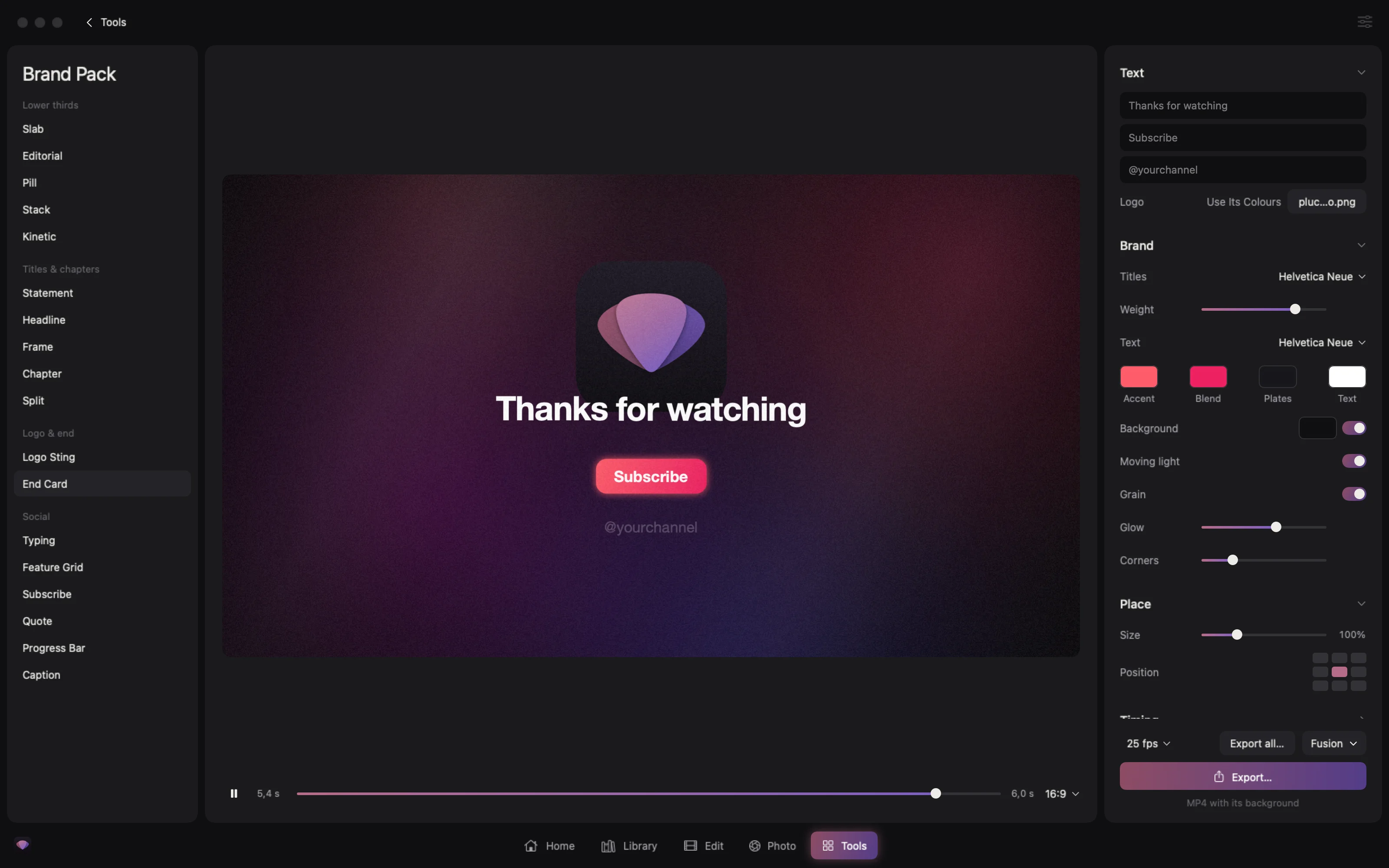
Titles in your logo’s colours.
Lower thirds, titles, chapters, end cards and social overlays, animated in your logo’s colours. Change the words, fonts, place and timing, and watch it play as you do.
- Templates
- 18, all animated
- Uses
- Your logo’s colours
- Exports
- Video or Fusion titles
- One lower third per name, all at once
- Transparent, ready for the edit
- Added to DaVinci Resolve’s Titles in one click
The AI runs on your own Mac.
Every job below runs on your Mac and works offline.
- Subtitles
- Translations
- Speakers
- Summaries
- Shorts
- Remove fillers
- Clean audio
- Upscale
- Backgrounds
- Privacy blur
- Stems
- Derush
- Writes
- Subtitles, translations, summaries
- Cleans
- Audio, backgrounds, faces
- Runs
- On your Mac, offline
- Nothing is uploaded
- Speakers named in the transcript
- Derush judges every shot of a shoot and builds selects in Resolve
Pluck Studio is free.
There is no account or subscription, and everything runs on your own Mac.