Edit anywhere.
Edit on light proxies from any Mac, and the Mac that holds the originals renders the final. You carry no drives and need no remote desktop.
How Edit Anywhere works
Share
The Mac with your footage shares the drives you pick, and decides what each paired Mac may do.
Choose
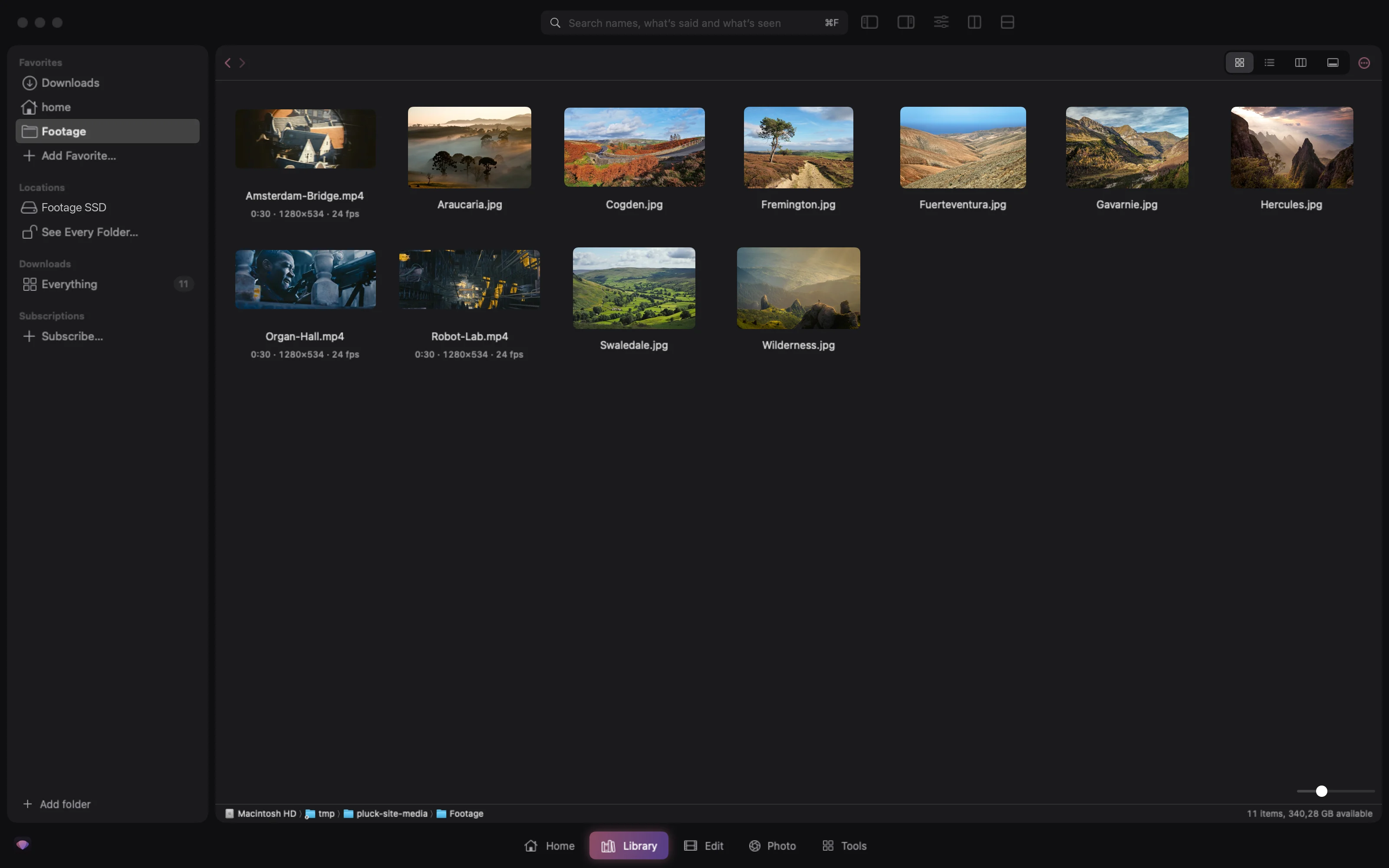
On any other Mac, browse those drives in Pluck and choose a folder or a few clips.
Proxies
Pluck creates light proxies. Download them or stream them, depending on your connection.
Edit
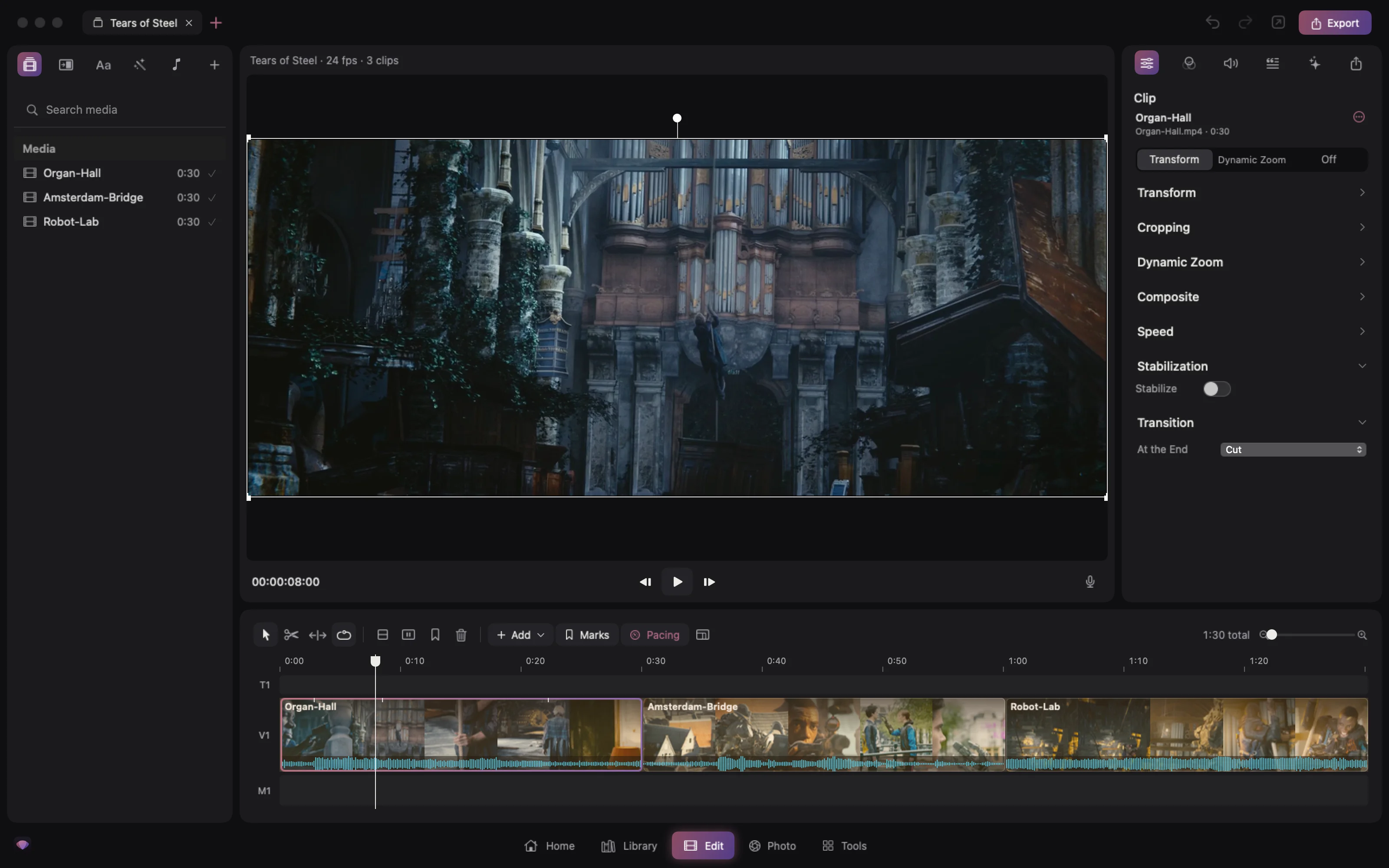
Edit in DaVinci Resolve as you always do, in a new project or one you already have.
Render
Send it back. The Mac with the footage swaps in the originals, checks nothing is missing and renders.
Privacy and access
Encrypted end to end
Everything between your Macs is encrypted by Pluck itself.
No accounts or open ports
You don’t sign up for anything or open ports on your router.
Invitations expire
Each invitation link works once and expires after 15 minutes.
You set each Mac’s rights
Each paired Mac can do only what you allow it to.
Edit Anywhere comes in an update.
Everything else in Pluck Studio works today, and it is free.